


In reply to Post #770
![]()
 width =500>
In reply to Post #773


Anyone having difficulties posting pictures on the forum then have a look at the idiots guides to posting pictures thread.
LINKY POO™ https://www.carpforum.co.uk/Shared/Messages.asp?TopicID=145162
I have redone my post, and Karlos has tidied up the outdated photobucket links, so now its as easy as it can be.
Follow the three simple steps and post a picture in this thread as a tester
LINKY POO™ https://www.carpforum.co.uk/Shared/Messages.asp?TopicID=145162
I have redone my post, and Karlos has tidied up the outdated photobucket links, so now its as easy as it can be.
Follow the three simple steps and post a picture in this thread as a tester

 1
 2
 3
 4 5
 6
 7
 8
 9
 10
 11
 12
 13
 14
 15
 16
 17
 18
 19
 20
 21
 22
 23
 24
 25
 26
 27
 28
 29
 30
 31
 32
 33
 34
 35
 36
 37
 38
 39
 40
 41
 42
 43
 44
 45



In reply to Post #781
Never in my life did I ever expect to actually achieve getting a photo on here 😂😂😂
Never in my life did I ever expect to actually achieve getting a photo on here 😂😂😂

In reply to Post #782
Congrats, is that Cassein?
Congrats, is that Cassein?
In reply to Post #783
Yes it is mate , popped up on my Facebook recently . 10 years ago !
Baitmans idiot guide worked
Yes it is mate , popped up on my Facebook recently . 10 years ago !
Baitmans idiot guide worked
Shame it doesnt auto resize on old carpforum... yet....

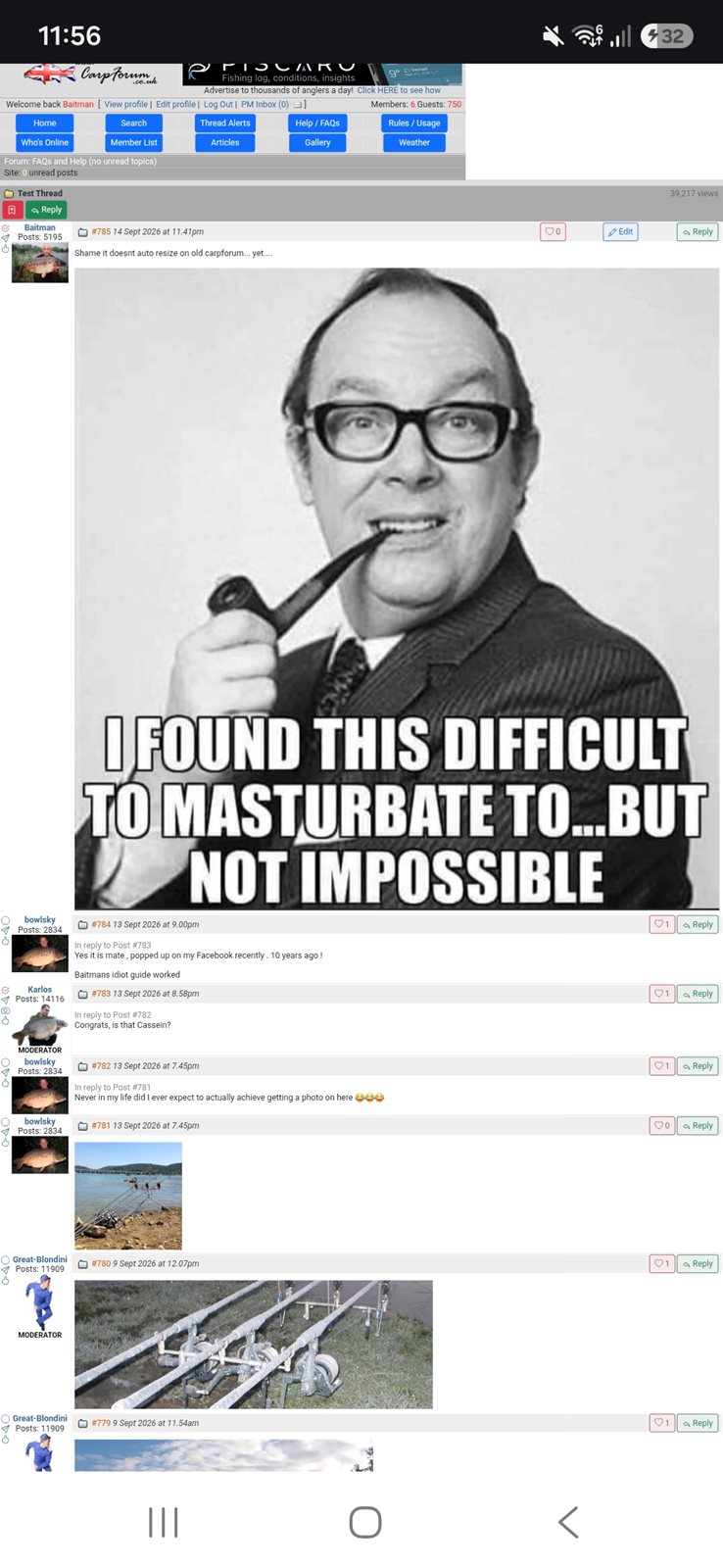
In reply to Post #785
Does now.
Found time in between taking on the challenge outlined in your photo 👍
Does now.
Found time in between taking on the challenge outlined in your photo 👍
In reply to Post #786
Not yet.
LINKY POO™ https://old.carpforum.co.uk/Shared/Messages.asp?TopicID=415938
Not yet.
LINKY POO™ https://old.carpforum.co.uk/Shared/Messages.asp?TopicID=415938
In reply to Post #787
It is fixed, honest!
You just need your phone (I am guessing) to get the updated CSS file.
On a PC you would hit Ctrl-F5 and that forces a refresh...not sure on a phone. Closing browser fully and then reopening MIGHT get that browser to check if any files have recently been updated.
It is fixed, honest!
You just need your phone (I am guessing) to get the updated CSS file.
On a PC you would hit Ctrl-F5 and that forces a refresh...not sure on a phone. Closing browser fully and then reopening MIGHT get that browser to check if any files have recently been updated.
In reply to Post #788
So if anyone is struggling on the "old" carpforum with images that are too big, as I was, then delete your browsing history and cookies and then your device will refresh and it will show the pictures correctly 😉
So if anyone is struggling on the "old" carpforum with images that are too big, as I was, then delete your browsing history and cookies and then your device will refresh and it will show the pictures correctly 😉