


Fox medium box with 6 smaller insert boxes for me.
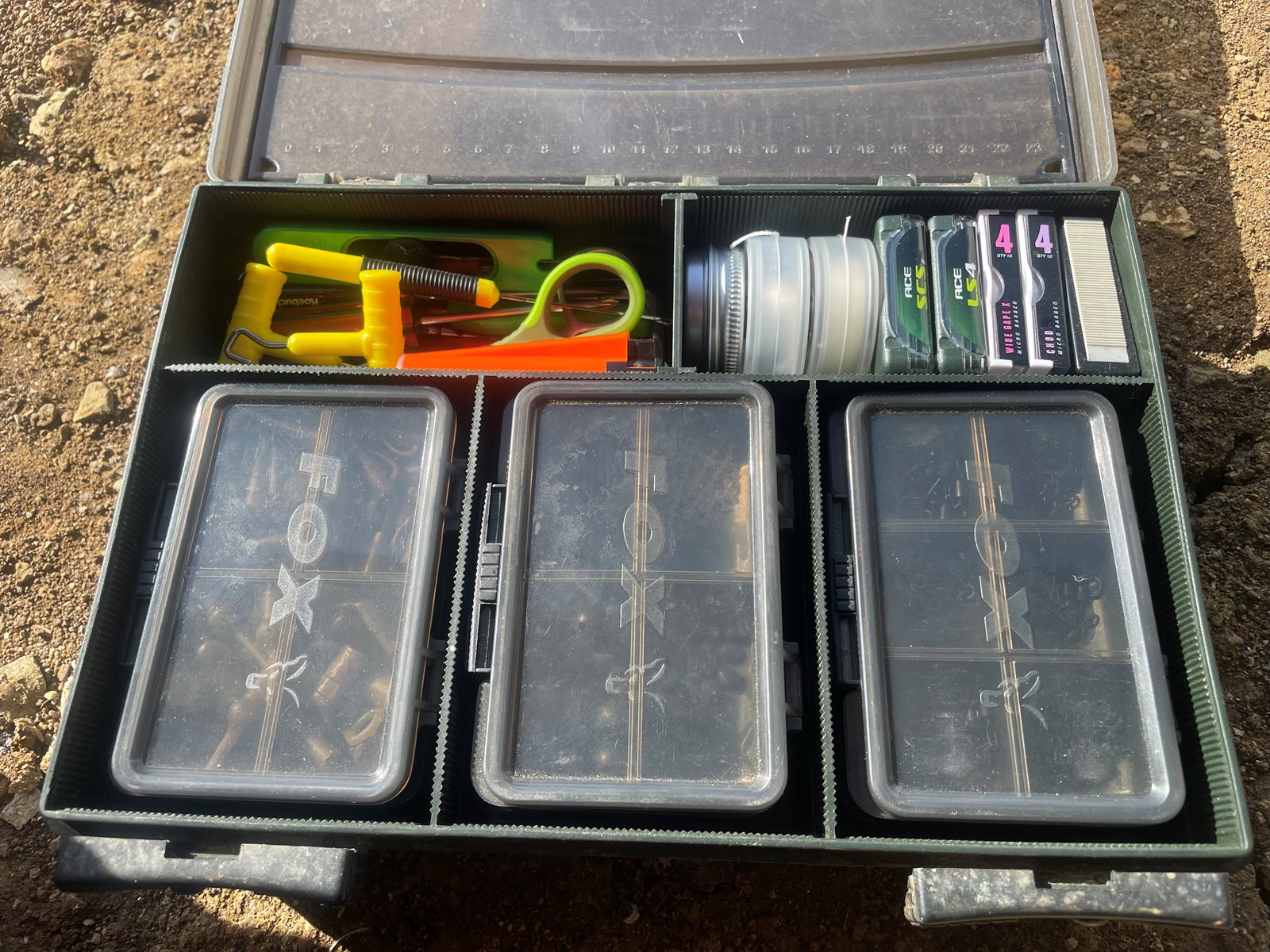

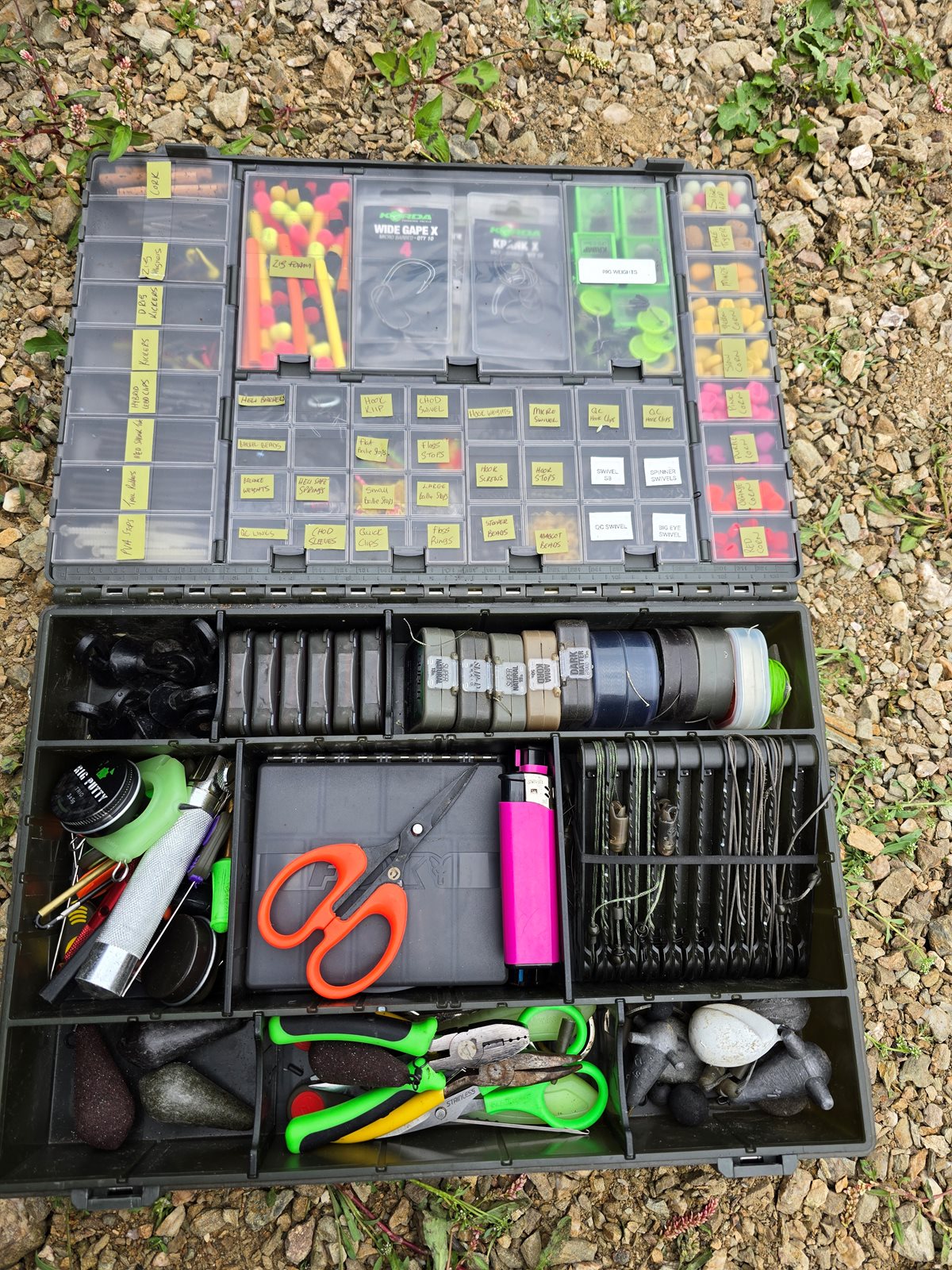
I have way too much junk

In reply to Post #17
That's more like it, bugger minimalism 😂👍
That's more like it, bugger minimalism 😂👍
Well labeled !
I tried a long time ago and I give up 😂
I tried a long time ago and I give up 😂

I took a photo of my tackle box, but it was refused by the server as 'offensive content'.
Perhaps I need to have a tidy up 🤔
Perhaps I need to have a tidy up 🤔

In reply to Post #20
Quote: I took a photo of my tackle box, but it was refused by the server as 'offensive content'.
Perhaps I need to have a tidy up 🤔
Bank tramp 🤣
Quote: I took a photo of my tackle box, but it was refused by the server as 'offensive content'.
Perhaps I need to have a tidy up 🤔
Bank tramp 🤣
In reply to Post #21
My tackle box is the mere tip of an iceberg mate 😂
My tackle box is the mere tip of an iceberg mate 😂


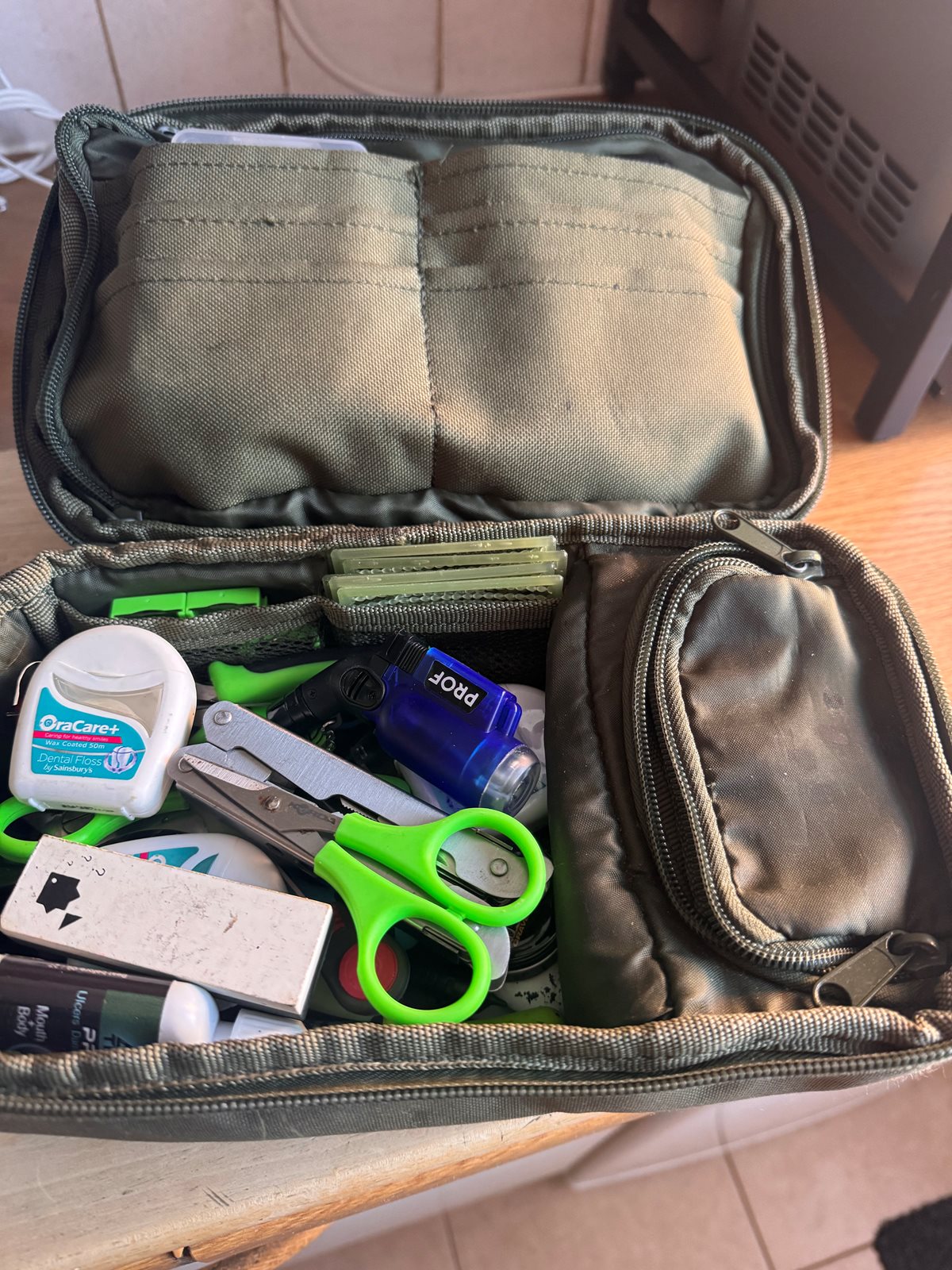
How do you do the resize thingy?

In reply to Post #24
Quote: How do you do the resize thingy?
Because your image is nice high resolution it would fill the screen.
To avoid images 'bursting' out of the message area (like they used to do on the old website) I put some CSS code in place to stop them from doing that.
I've just added more code to do 2 things:
1 - when the image is a lovely high resolution, the uploader will scale it down a bit (to a max of 1600px wide). This will make surfing on a mobile with a poor signal far less annoying as the image to download will be smaller/faster and use less of your allowance (if you have a quota each month)
2 - if the image is tall, the image height now get's constrained which means portrait pics (like yours) are automatically reduced in width to constrain the correct proportions.
Why have some of the other images appeared smaller?
Because they were uploaded on a hosting site and linked to from there.
I will keep an eye on uploaded pictures as time moves on and see if they need further reductions/tidying 👍
Quote: How do you do the resize thingy?
Because your image is nice high resolution it would fill the screen.
To avoid images 'bursting' out of the message area (like they used to do on the old website) I put some CSS code in place to stop them from doing that.
I've just added more code to do 2 things:
1 - when the image is a lovely high resolution, the uploader will scale it down a bit (to a max of 1600px wide). This will make surfing on a mobile with a poor signal far less annoying as the image to download will be smaller/faster and use less of your allowance (if you have a quota each month)
2 - if the image is tall, the image height now get's constrained which means portrait pics (like yours) are automatically reduced in width to constrain the correct proportions.
Why have some of the other images appeared smaller?
Because they were uploaded on a hosting site and linked to from there.
I will keep an eye on uploaded pictures as time moves on and see if they need further reductions/tidying 👍
In reply to Post #25
You clever chappie 😉
You clever chappie 😉

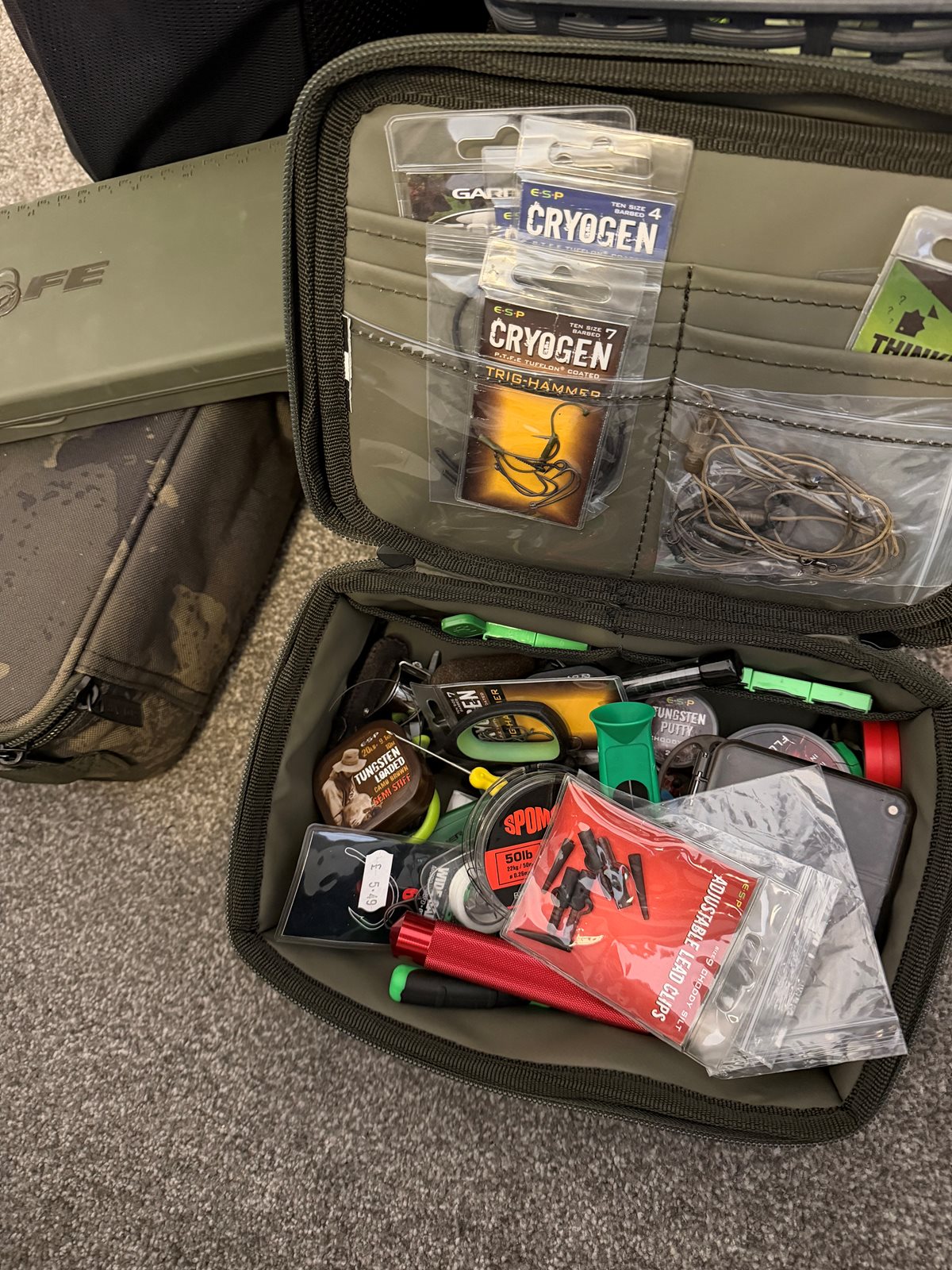
A lot of ocd guys on here by the looks of things, I normally have a proper sort out at the beginning of spring and by the time Christmas is coming I need to again have a massive sort out of the endless amounts of hook baits and end tackle I have accumulated again
In reply to Post #27
Back to this.. scaled that lot down to this now got everything I need to fish the 2/3 rigs ever use, all the rig tools leaders all tidy let’s see how long it lasts 😂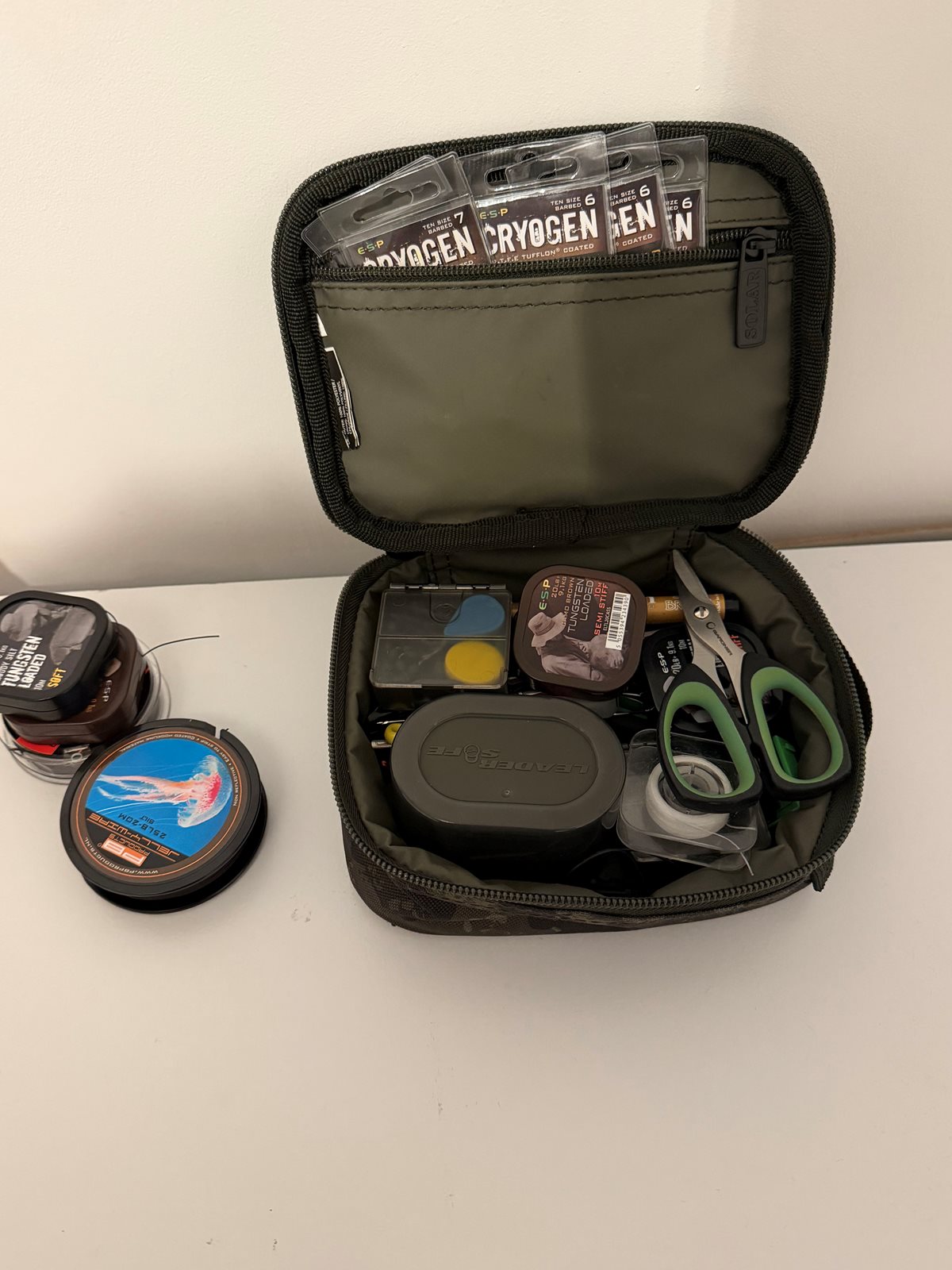
Back to this.. scaled that lot down to this now got everything I need to fish the 2/3 rigs ever use, all the rig tools leaders all tidy let’s see how long it lasts 😂