


This message has been suppressed by a moderator.


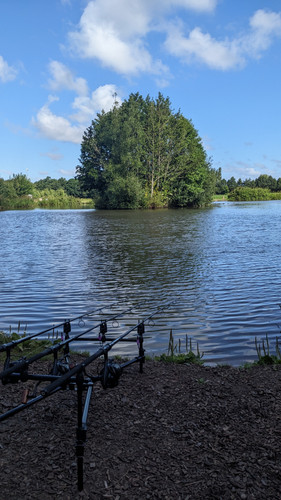

In reply to Post #32


Can't get imgur to work.
https://imgur.com/gallery/mixer-stLFeHl#SxDKICD
Video:
https://imgur.com/gallery/mixer-stLFeHl#SxDKICD
Video:
I will write it all out on here in a bit Baitman. The mobile app is useless I find. Much better on a browser on pc
In reply to Post #759
https://www.carpforum.co.uk/images/shb/FApARF9.jpg
That is a direct link from Imgur Baitman from the desktop version. When using the mobile app (as I'm guessing you are), if you click on the photo itself it will give you the option to directly copy the link. Do not do that.
Open the little share arrow in the bottom right hand corner when you click on your Imgur photo, & click 'copy post link' when the options to share pop up.
Then simply insert that into what is below here. You need to add a hyphen to the start of that. If I do it here it tries to create a link.
img src= YOUR LINK HERE width=600>
So inserting that top Imgur link I posted at top of page will then produce this.
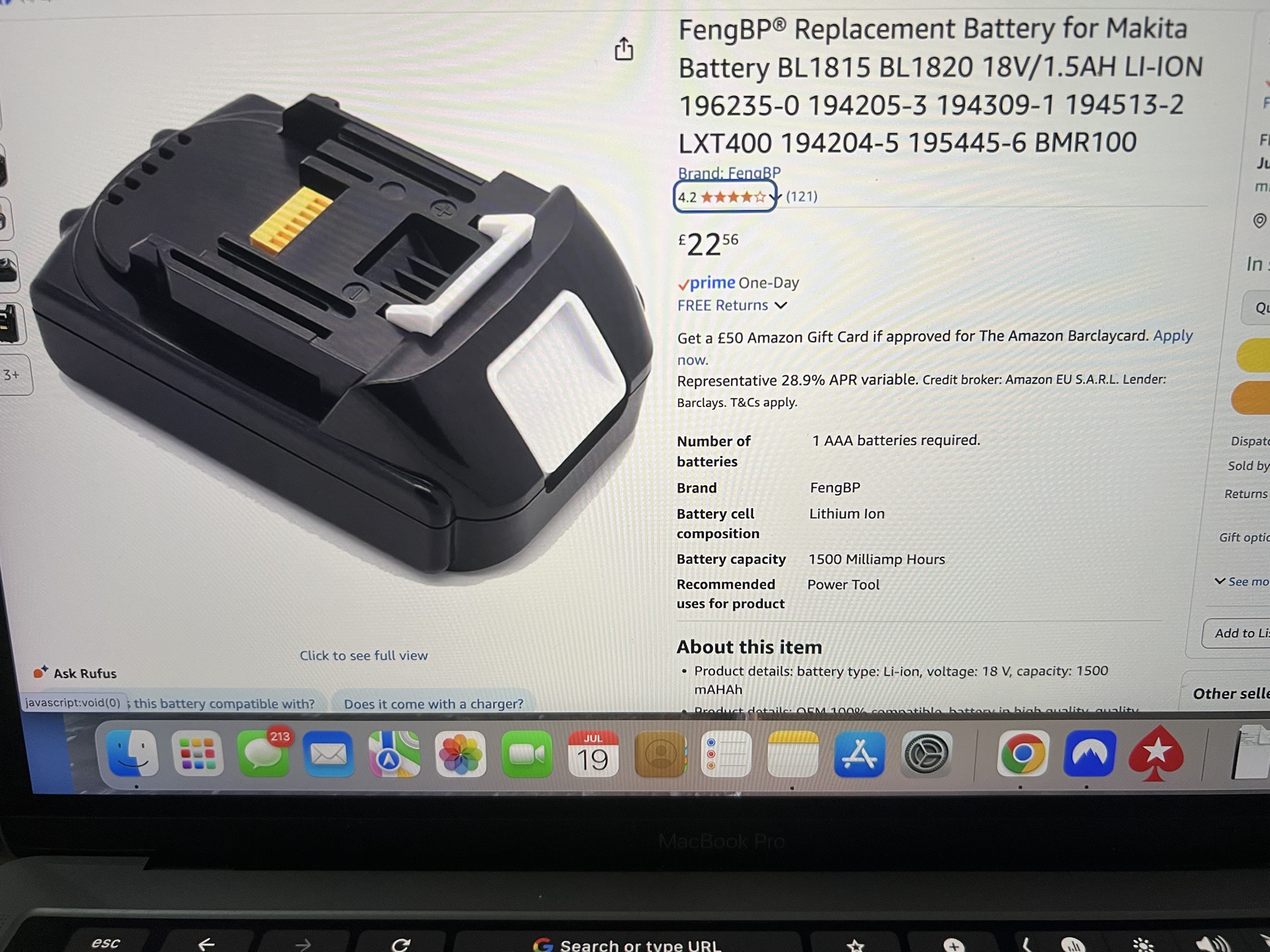
Removing the link hyphens from start and end so you can see whole lot without. If I add the two < > to start and finish of that it will post the photo above.
img src= https://www.carpforum.co.uk/images/shb/aZlqVz0.jpg width=600
https://www.carpforum.co.uk/images/shb/FApARF9.jpg
That is a direct link from Imgur Baitman from the desktop version. When using the mobile app (as I'm guessing you are), if you click on the photo itself it will give you the option to directly copy the link. Do not do that.
Open the little share arrow in the bottom right hand corner when you click on your Imgur photo, & click 'copy post link' when the options to share pop up.
Then simply insert that into what is below here. You need to add a hyphen to the start of that. If I do it here it tries to create a link.
img src= YOUR LINK HERE width=600>
So inserting that top Imgur link I posted at top of page will then produce this.
Removing the link hyphens from start and end so you can see whole lot without. If I add the two < > to start and finish of that it will post the photo above.
img src= https://www.carpforum.co.uk/images/shb/aZlqVz0.jpg width=600

How to insert video:
<video controls width="600">
<source src="https://www.carpforum.co.uk/MovieS/carp_porter_pre-order_update (1080p).mp4" type="video/mp4" />
</video>
gives you this:
Instead of the link to the Carp Porter video I hosted a while back...
https://www.carpforum.co.uk/MovieS/carp_porter_pre-order_update (1080p).mp4
...you would change the link to where your video is hosted
<video controls width="600">
<source src="https://www.carpforum.co.uk/MovieS/carp_porter_pre-order_update (1080p).mp4" type="video/mp4" />
</video>
gives you this:
Instead of the link to the Carp Porter video I hosted a while back...
https://www.carpforum.co.uk/MovieS/carp_porter_pre-order_update (1080p).mp4
...you would change the link to where your video is hosted

In reply to Post #763

